Creating a cozy and functional home office space can make a big difference in your daily work experience. Whether you’re working remotely full-time or just need a dedicated spot for occasional tasks, having a well-designed office at home helps boost your productivity and comfort. Here’s a detailed guide with practical tips to set up a home office that meets your needs and feels inviting.
Choose the Right Location
Consider Natural Light
Whenever possible, pick a spot with plenty of natural light. Sunlight not only keeps the space bright but also helps improve your mood and focus. Position your desk near a window to enjoy daylight, but avoid glare directly on your computer screen.
Think About Noise Levels
Select a quiet area in your home to minimize distractions. If you don’t have a separate room, look for a corner or nook away from foot traffic, TV noise, and other household activities.
Accessibility and Comfort
Make sure your office area is accessible and comfortable for long working hours. Choose a space where you can easily set up your equipment and have enough room to move around.
Invest in Ergonomic Furniture
Choose a Supportive Chair
Your chair is a key piece of furniture. Look for one that supports your lower back and promotes good posture. Adjustable chairs allow you to customize height and tilt, reducing strain during long work sessions.
Select the Right Desk
Pick a desk with enough surface area for your computer, notebooks, and other essentials. Height-adjustable desks are great if you’d like to alternate between sitting and standing.
Add Comfortable Accessories
Items like a footrest, wrist pads, or a seat cushion can significantly increase comfort. Don’t overlook these simple additions to prevent fatigue.
Organize Your Space Efficiently
Use Storage Solutions
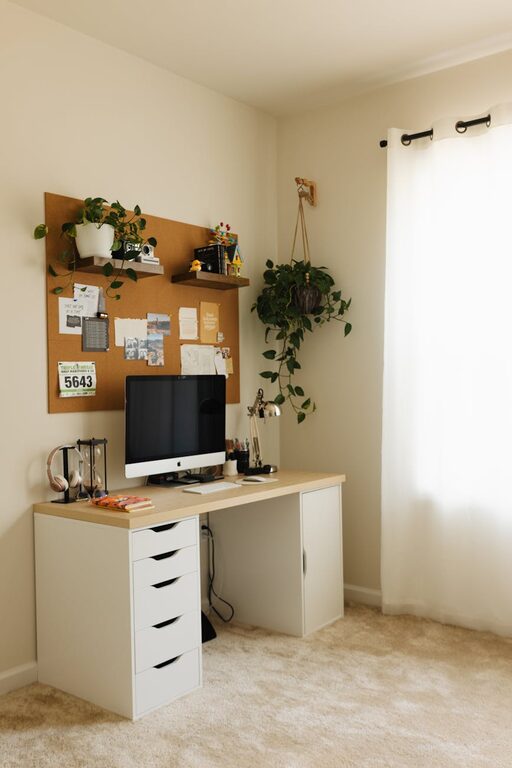
Keep your workspace clutter-free with storage options like shelves, filing cabinets, or drawer organizers. This helps maintain focus and ensures you can find what you need quickly.
Cable Management
Tidy up cords and cables using clips, ties, or under-desk trays. A clean, cable-free area looks nicer and reduces distractions.
Streamline Your Tools
Only keep essential tools and equipment on your desk. Store rarely used items elsewhere to keep your immediate workspace clear.
Add Personal and Cozy Touches
Choose Soothing Colors
Colors influence mood and productivity. Soft, neutral tones like light blues, greens, or warm beiges create a calming atmosphere, while brighter accents can add energy.
Use Comfortable Textiles
Incorporate cozy elements such as a soft rug, plush chair covers, or throw blankets. These make your office feel inviting and comfortable.
Decorate Mindfully
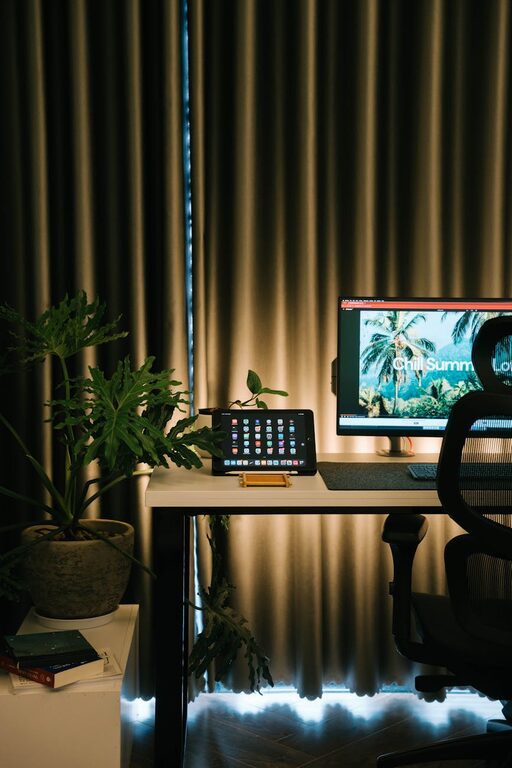
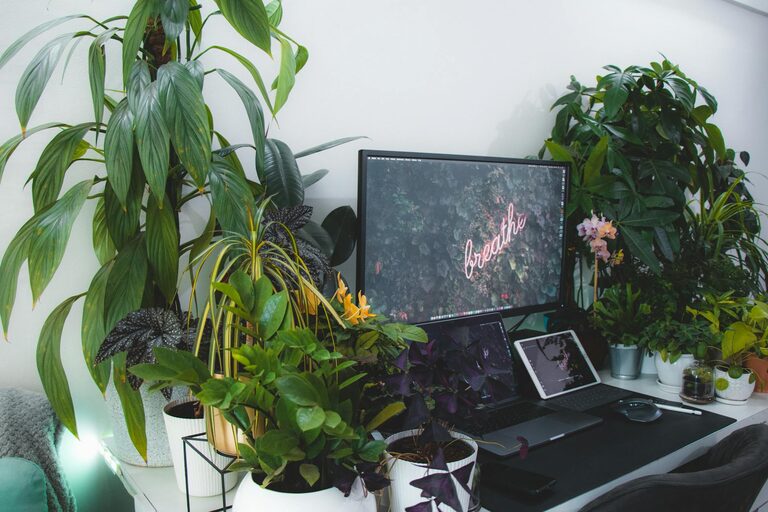
Add a few personal items like photos, plants, or art. Plants improve air quality and bring a touch of nature indoors, while personal touches make the space feel uniquely yours.
Optimize Lighting for Productivity
Layer Your Lighting
Combine natural light with ambient overhead lighting and task lighting. A desk lamp with adjustable brightness is ideal for focused work without straining your eyes.
Avoid Harsh Lighting
Avoid bright fluorescent lights that can cause headaches or fatigue. Soft, warm LEDs are better options for creating a cozy environment.
Establish Routine and Boundaries
Define Work Hours
Treat your home office as a professional space by setting clear work hours. This helps maintain a healthy work-life balance.
Use Physical or Visual Boundaries
If your office is part of a larger room, use room dividers, curtains, or furniture placement to separate the workspace visually and physically.
Take Breaks
Incorporate short breaks to stretch, rest your eyes, and refresh your mind. A cozy space encourages you to feel comfortable stepping away when needed.
Keep Technology Up to Date
Reliable Internet Connection
Ensure your internet connection is stable and fast enough for your work needs. This reduces frustration during video calls or file sharing.
Invest in Quality Equipment
Use quality headphones, microphones, and webcams if your work involves virtual meetings. Comfortable and clear communication tools improve your professionalism.
Backup Solutions
Set up regular data backups to prevent data loss. Cloud services or external drives are simple ways to keep your work safe.
Maintain Cleanliness Regularly
Daily Tidying
Spend a few minutes at the end of each day organizing and wiping down surfaces. A clean environment supports a clear mind.
Deep Cleaning
Schedule weekly cleaning for dusting, vacuuming, and caring for plants or textiles. A tidy space also creates a healthier work environment.
—
A cozy and functional home office isn’t just about aesthetics; it’s about creating a space that supports your work habits and feels inviting enough to spend time in. By thoughtfully choosing your location, investing in ergonomic furniture, organizing effectively, adding personal touches, and optimizing lighting and technology, you can build a home office that helps you stay comfortable and productive every day.
About the Author