Creating a cozy and productive home office space is essential for anyone who works remotely or spends a significant amount of time at home completing tasks. A well-designed workspace can boost your focus, reduce stress, and make work feel more enjoyable. In this post, we’ll explore practical tips to help you create a home office that is both comfortable and efficient.
Why a Cozy and Productive Space Matters
Your home office isn’t just a place to set up a computer; it’s where you spend a large part of your day. Having a space that feels inviting and inspires productivity can improve your overall work experience, reduce distractions, and promote better work-life balance.
Choosing the Right Location
Find a Quiet Spot
Look for a place in your home that’s away from heavy foot traffic and noise. A quieter area will help you focus and reduce interruptions.
Consider Natural Light
Good lighting matters a lot. If possible, choose a spot near a window to get natural light. Natural light can improve mood and energy levels during work hours.
Investing in Comfortable Furniture
Ergonomic Chair
Invest in a comfortable, ergonomic chair that supports your posture. This reduces back pain and fatigue during long work sessions.
Desk That Fits Your Needs
Choose a desk with enough surface space to hold your computer, stationery, and other work essentials. Adjustable desks that allow you to switch between sitting and standing are a great option.
Organizing Your Workspace
Declutter Regularly
Keep your desk tidy by regularly clearing away unnecessary items. A clutter-free environment helps reduce distractions and stress.
Use Storage Solutions
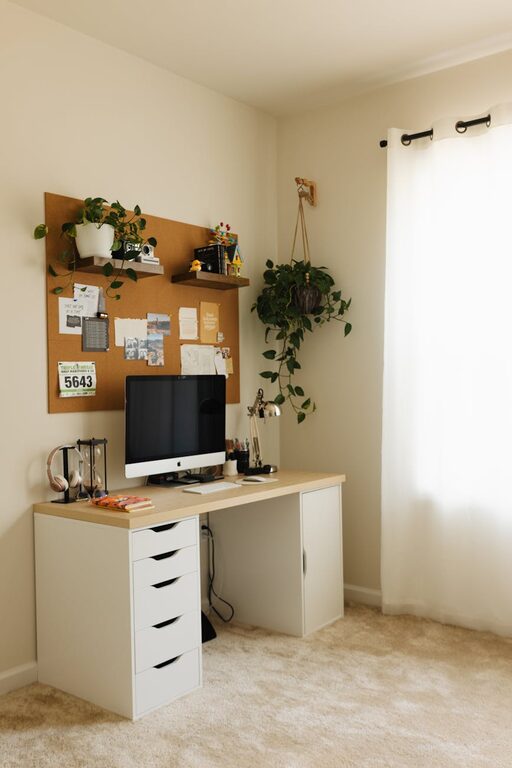
Use shelves, drawer organizers, or filing cabinets to keep important documents, supplies, and gadgets within reach but out of the way.
Adding Personal and Cozy Touches
Decorate Thoughtfully
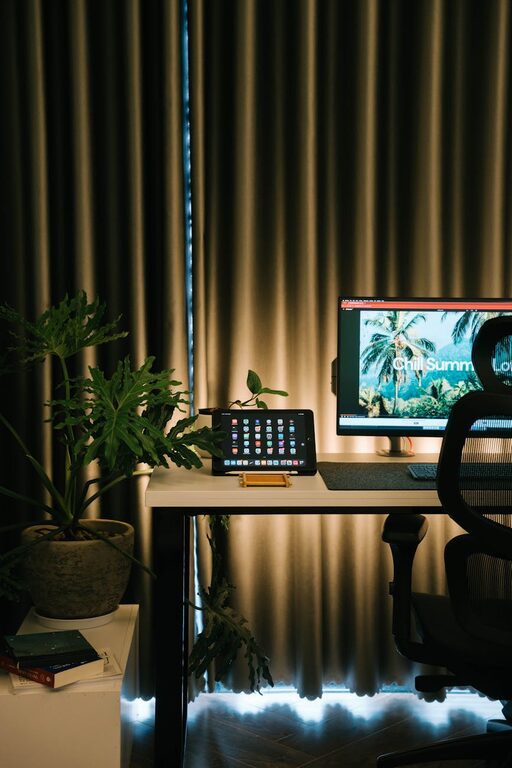
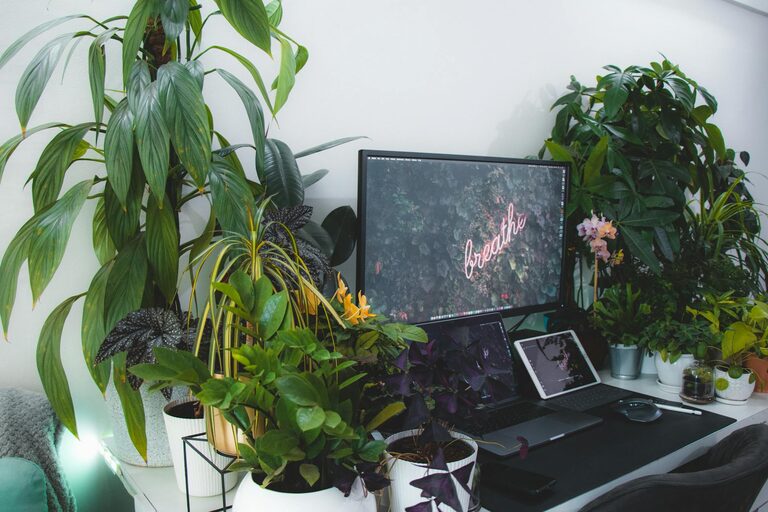
Add personal items like photos, plants, or artwork to make the space feel welcoming. Greenery, in particular, can boost mood and air quality.
Use Soft Textiles
Incorporate soft cushions, rugs, or blankets to add warmth and comfort to your office space.
Optimizing Lighting and Screen Setup
Layered Lighting
Use a combination of ambient, task, and accent lighting. A good desk lamp can reduce eye strain when working late.
Position Your Screen Properly
Place your computer screen at eye level and about an arm’s length away to reduce neck strain and eye fatigue.
Setting Boundaries for Work and Relaxation
Define Work Hours
Set clear work hours to establish a routine. This helps your mind associate the designated space with work, and the rest of the house with relaxation.
Avoid Work Clutter Outside the Office
Try to keep work materials confined to your office space to maintain a separation between work and personal time.
Incorporating Technology Wisely
Use Noise-Canceling Headphones
If your environment is noisy or you need to focus, noise-canceling headphones can help you concentrate.
Maintain Reliable Internet and Devices
Ensure your internet connection and devices are reliable to avoid frustrating interruptions.
Maintaining Your Workspace
Regular Cleaning
Keep your office space clean and fresh by dusting and vacuuming regularly.
Refresh Decor and Layout Periodically
Change up your space every few months to keep the environment inspiring.
—
Creating a cozy and productive home office is about finding the right balance between comfort and functionality. By paying attention to your environment, furniture, lighting, organization, and boundaries, you can craft a workspace that motivates you to do your best work while feeling relaxed and at home. Whether you’re just setting up your office or improving an existing one, these tips can help you design a space where you can thrive.
About the Author