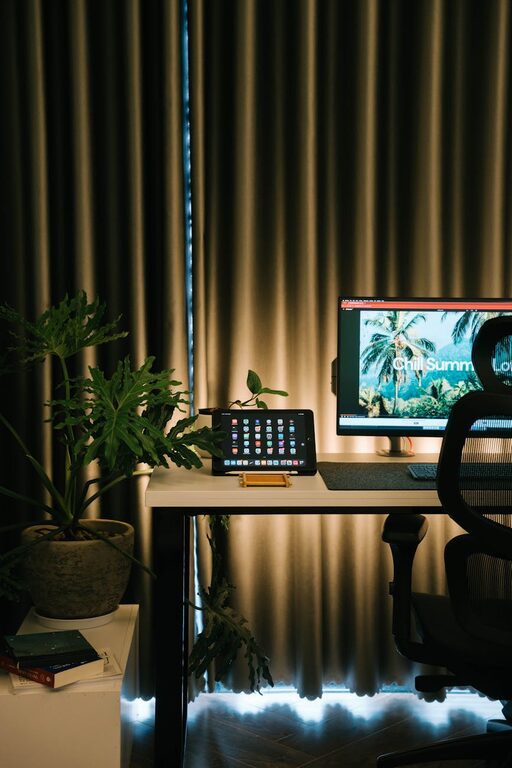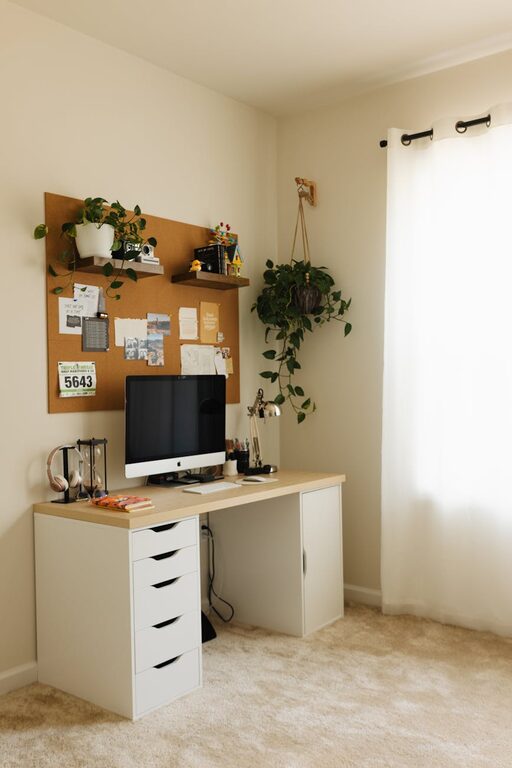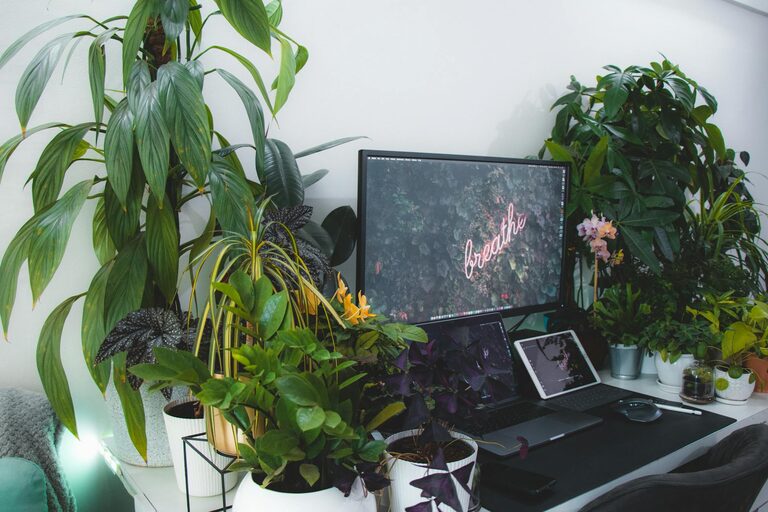
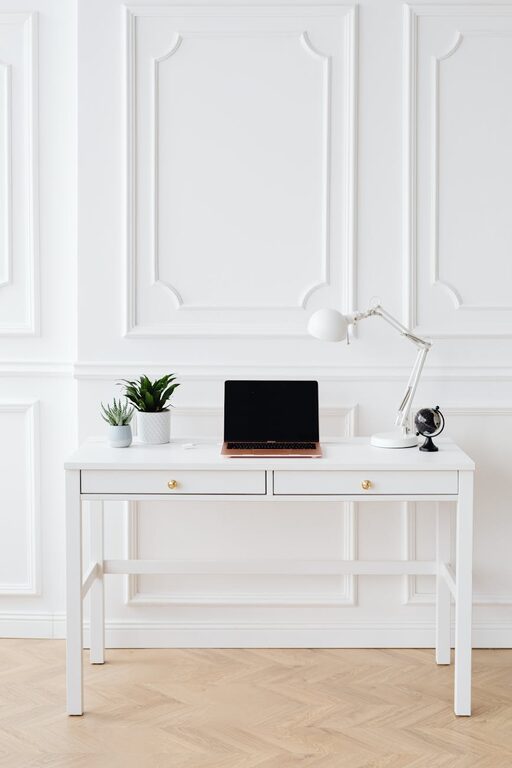
Creating a home workspace that’s both clutter-free and functional can significantly boost your productivity and comfort while working from home. Whether you’re setting up a new office area or improving an existing one, the key is to combine good organization with practical design. This guide offers a collection of tips and strategies to help you create a workspace that supports focus and creativity without feeling overwhelming.
Why Organize Your Home Workspace?
Having a tidy and well-arranged workspace reduces distractions, saves time looking for items, and promotes a sense of calm. A clutter-free environment encourages better concentration and a more professional setup for virtual meetings.
—
Assess Your Space and Needs
Before you start arranging your workspace, take a moment to evaluate the area and how you use it.
– Identify essential equipment: List the devices, supplies, and paperwork you require daily.
– Consider your work style: Do you prefer digital tools, physical notes, or a blend of both?
– Account for space constraints: Measure your available area to choose appropriately sized furniture and storage.
—
Choose the Right Desk and Chair
Your desk and chair form the foundation of your workspace comfort.
– Desk size: Select a desk large enough for your computer, notebooks, and other essentials without overcrowding.
– Ergonomics: A chair with adjustable height and support helps prevent discomfort during long hours.
– Storage options: Desks with built-in drawers or shelves reduce clutter by providing dedicated places for supplies.
—
Maximize Storage with Smart Solutions
Efficient storage keeps supplies out of sight but easily accessible.
– Use vertical space: Wall-mounted shelves or pegboards hold items without taking up desk space.
– Drawer organizers: Keep small items like pens, clips, and chargers neatly separated.
– Clear containers: Transparent bins allow you to quickly identify contents.
– Cable management: Use clips or sleeves to organize cords and reduce tangled messes.
—
Create Zones for Different Tasks
Dividing your workspace into specific areas can help keep things organized.
– Work zone: Where your computer and primary tools live.
– Reference zone: Shelves or files for documents and books you need to access frequently.
– Creative zone: Space for note-taking, sketching, or brainstorming with sticky notes and whiteboards.
– Break zone: Even a small corner with a plant or comfortable chair can provide a quick mental reset.
—
Establish Daily and Weekly Habits
Organization is easier to maintain when it becomes part of your routine.
– End-of-day cleanup: Spend 5–10 minutes tidying your desk and putting items back in place.
– Regular decluttering: Every week or month, evaluate what you really need and remove unnecessary items.
– Digital organization: Keep your computer files and emails sorted into folders to avoid digital clutter.
—
Use Lighting and Decor to Boost Focus
A well-lit and visually appealing space promotes productivity.
– Natural light: Position your desk near a window if possible to take advantage of daylight.
– Task lighting: Use adjustable lamps to reduce eye strain during detailed work.
– Minimal decor: Add a few personal touches like plants or artwork without overloading the space visually.
—
Tips for Keeping Your Workspace Functional
– Prioritize accessibility: Store frequently used items within arm’s reach.
– Label storage: Clear labeling saves time and helps maintain order.
– Limit distractions: Keep non-work items out of sight to preserve focus.
– Stay flexible: Be willing to adjust your setup as your work changes over time.
—
Final Thoughts
A well-organized, clutter-free home workspace is achievable with thoughtful planning and consistent habits. By selecting the right furniture, introducing smart storage solutions, and establishing routines for tidiness, you can create a space that supports your work and wellbeing every day. Start small, remain patient, and update your setup as your needs evolve for lasting success.
About the Author